Every printer on your bench, in one window.
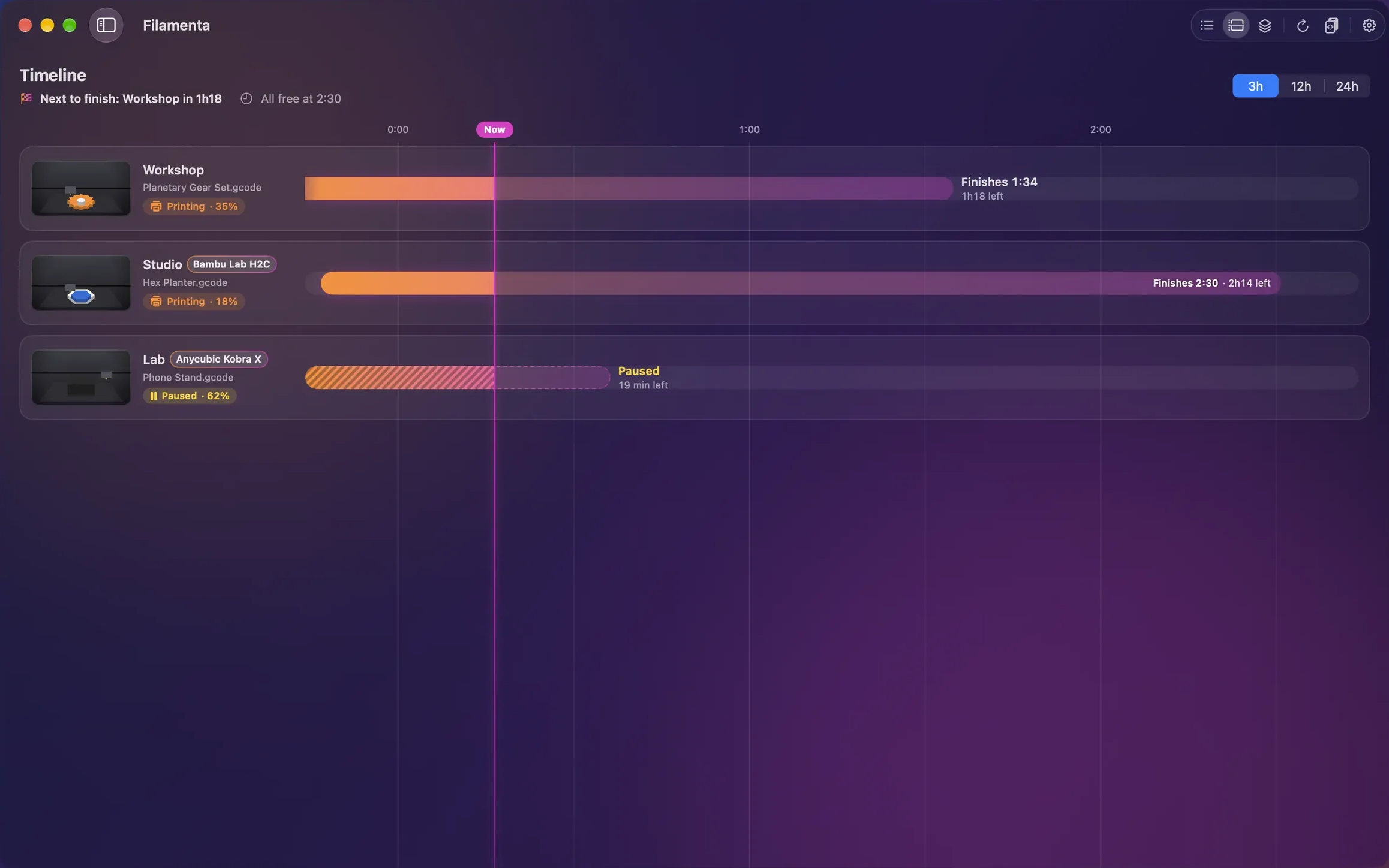
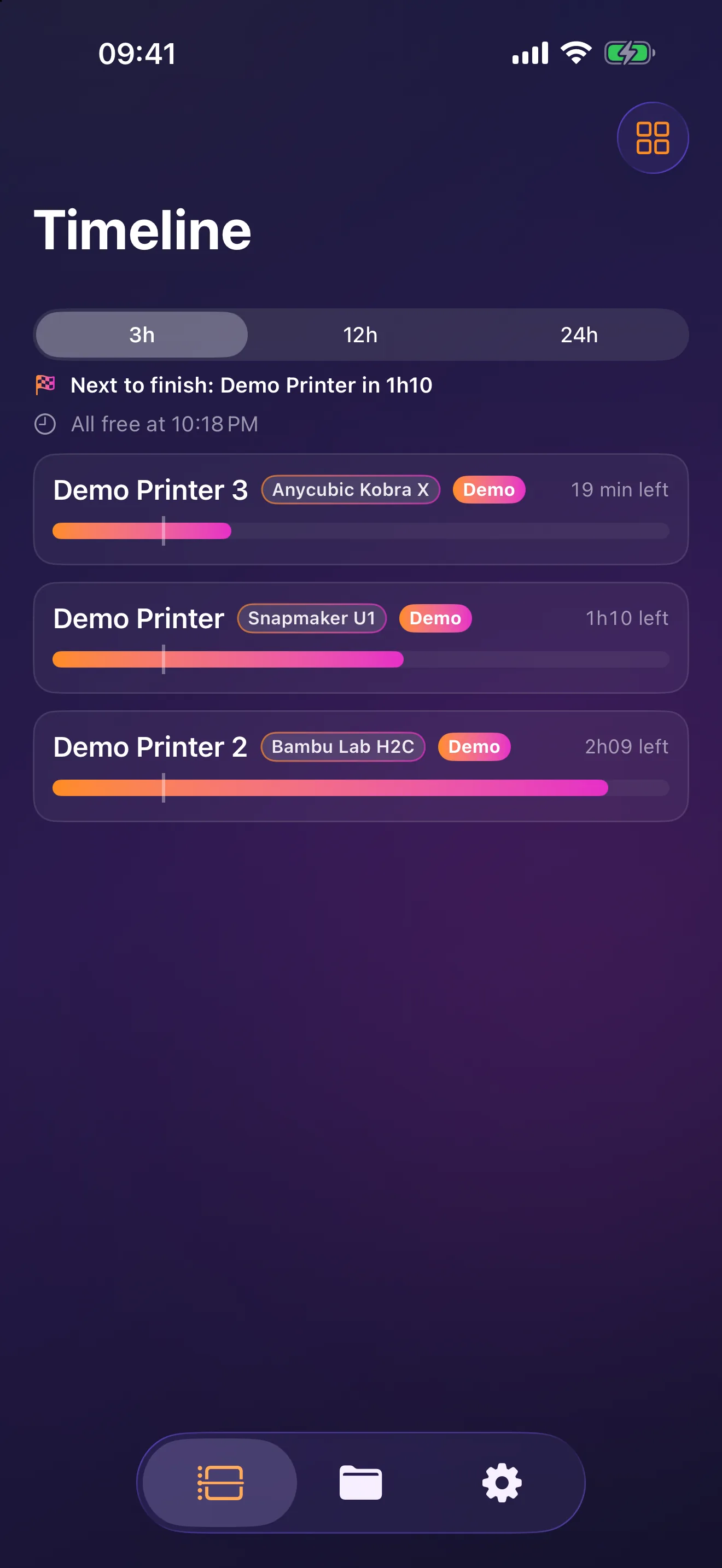
Filamenta is a native app for iPhone and Mac that monitors your 3D printers directly on your local network — live status, a timeline of which print finishes next, print previews, filament mapping and file sync. Sync and shared farms use your own iCloud account.
Free to use. Try Pro free for 7 days.
Available on iPhone and Mac.
Supports Snapmaker U1, Anycubic Kobra X and Bambu Lab H2C, A1 and A1 mini.
Also on iPhone
See it in action
Built for print farms of every size
Multi-printer dashboard
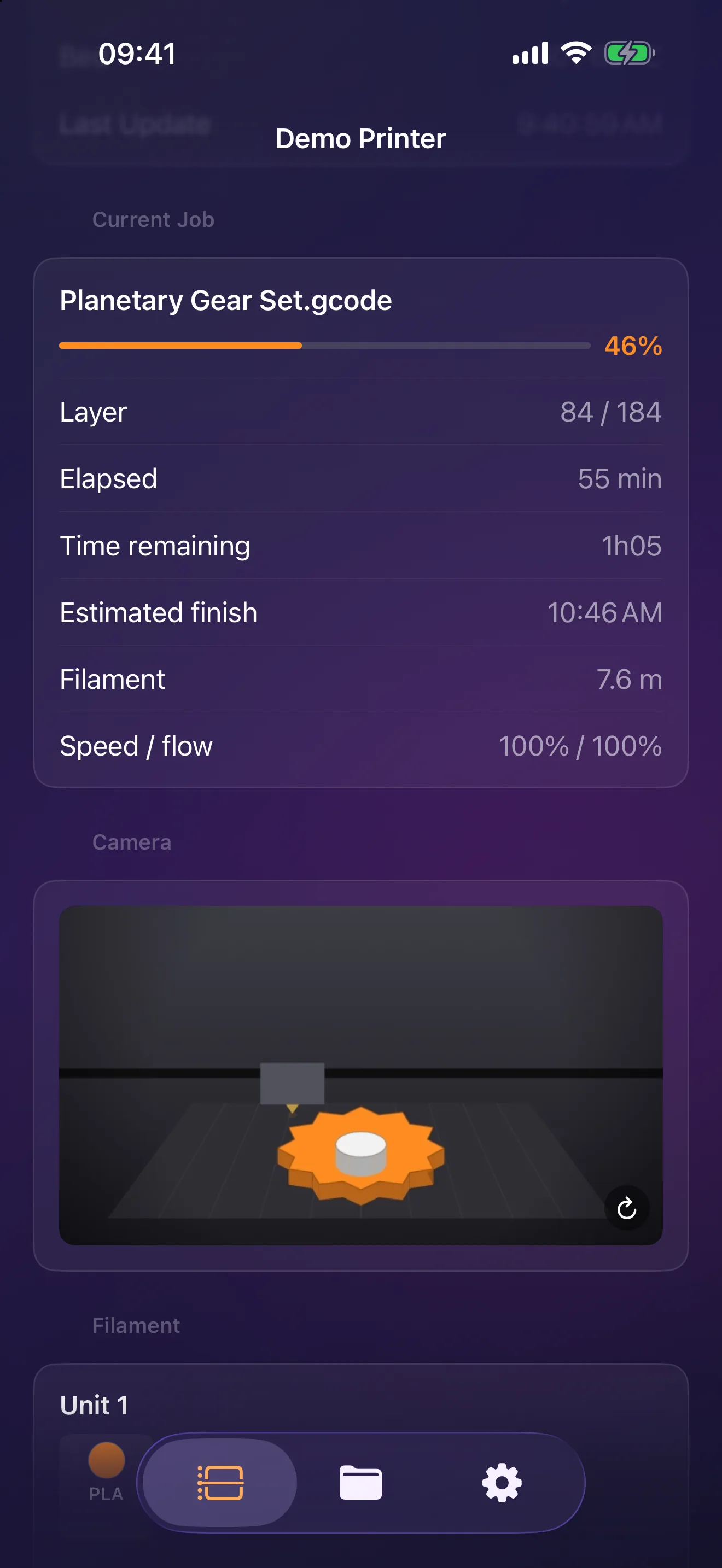
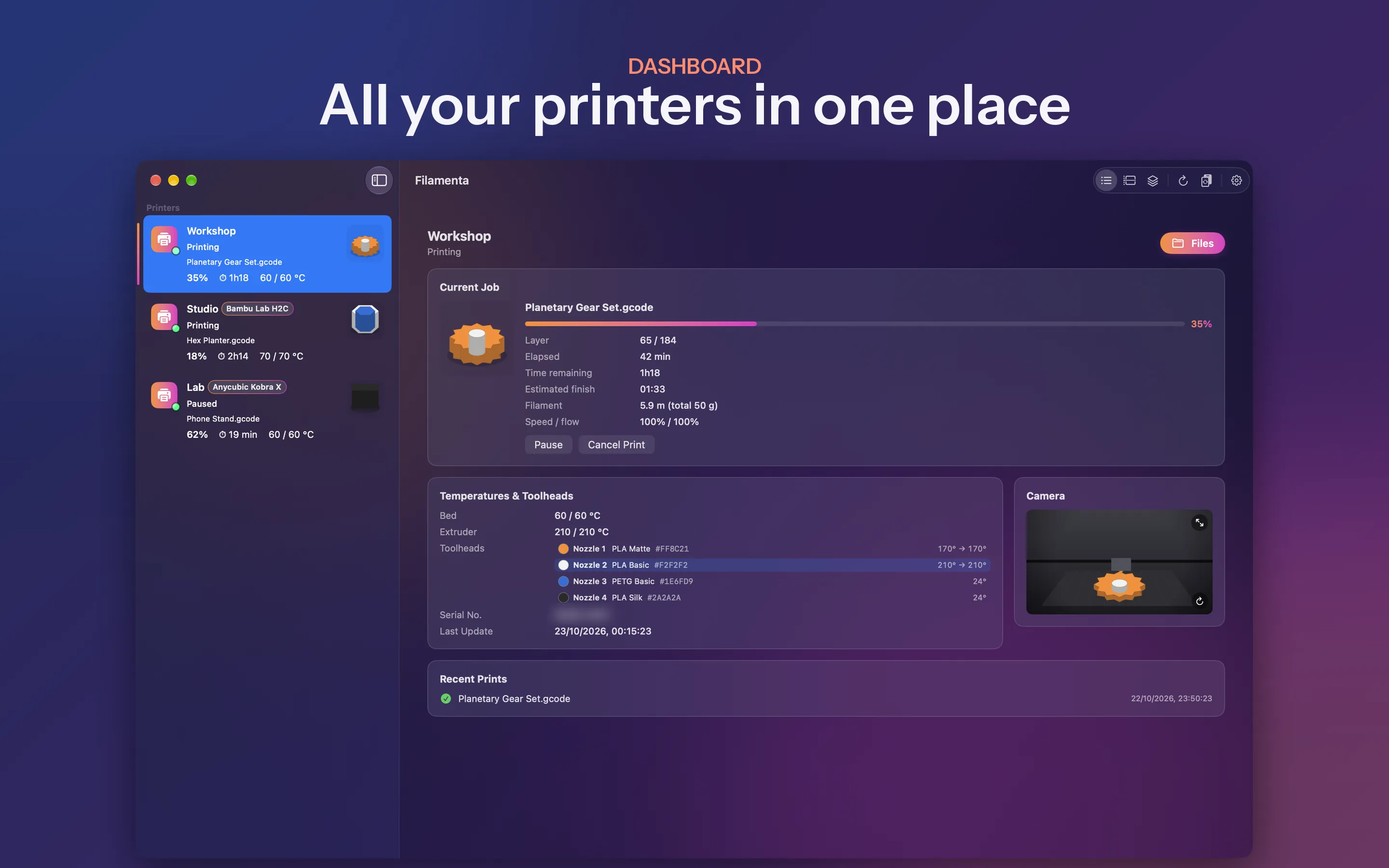
See all your printers at a glance: state, progress, temperatures and time remaining.
Timeline
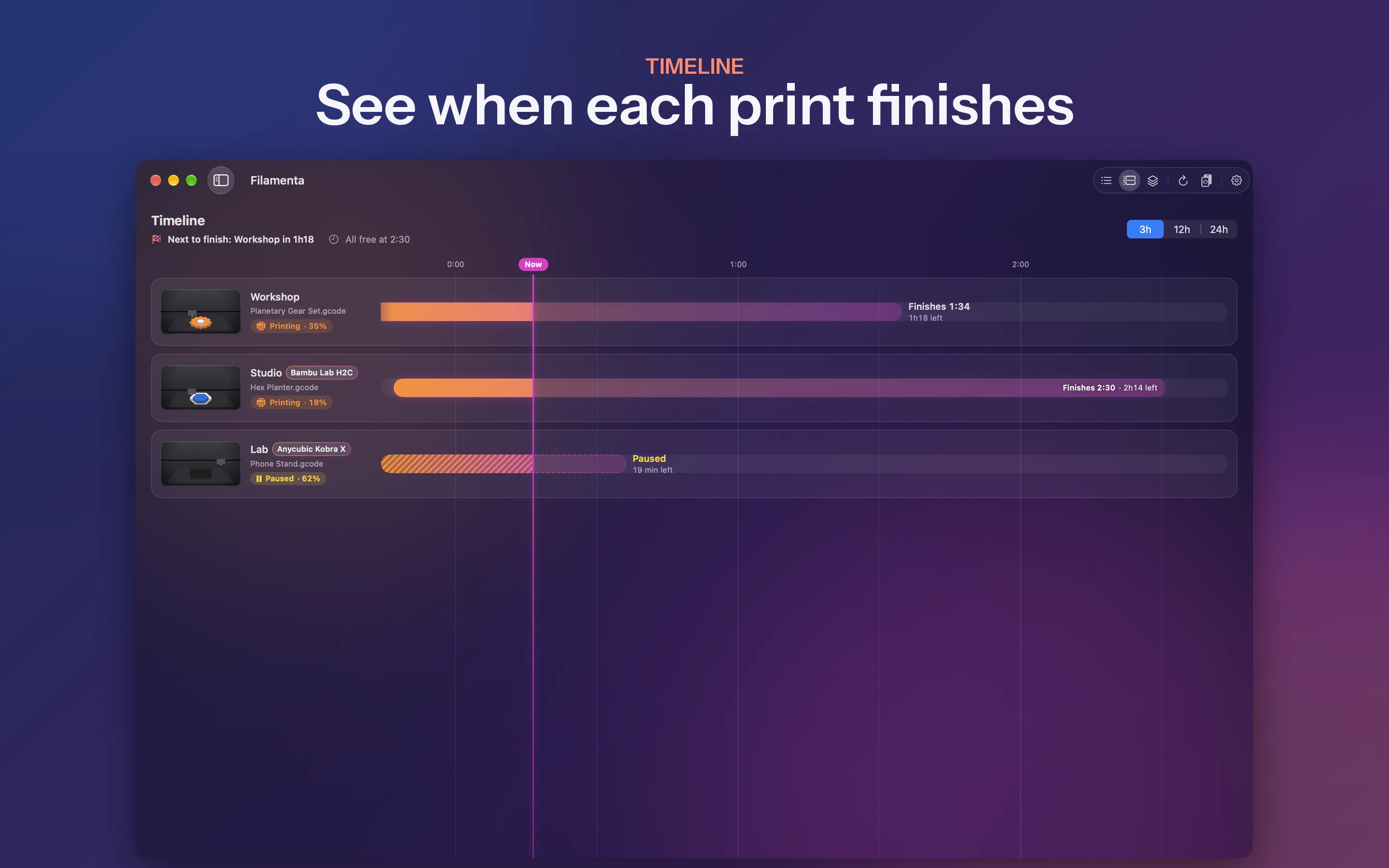
See every print on one timeline, sorted by what finishes first, with live camera thumbnails, finish times and time left. Get a heads-up 5 minutes before a print is done.
Camera Wall
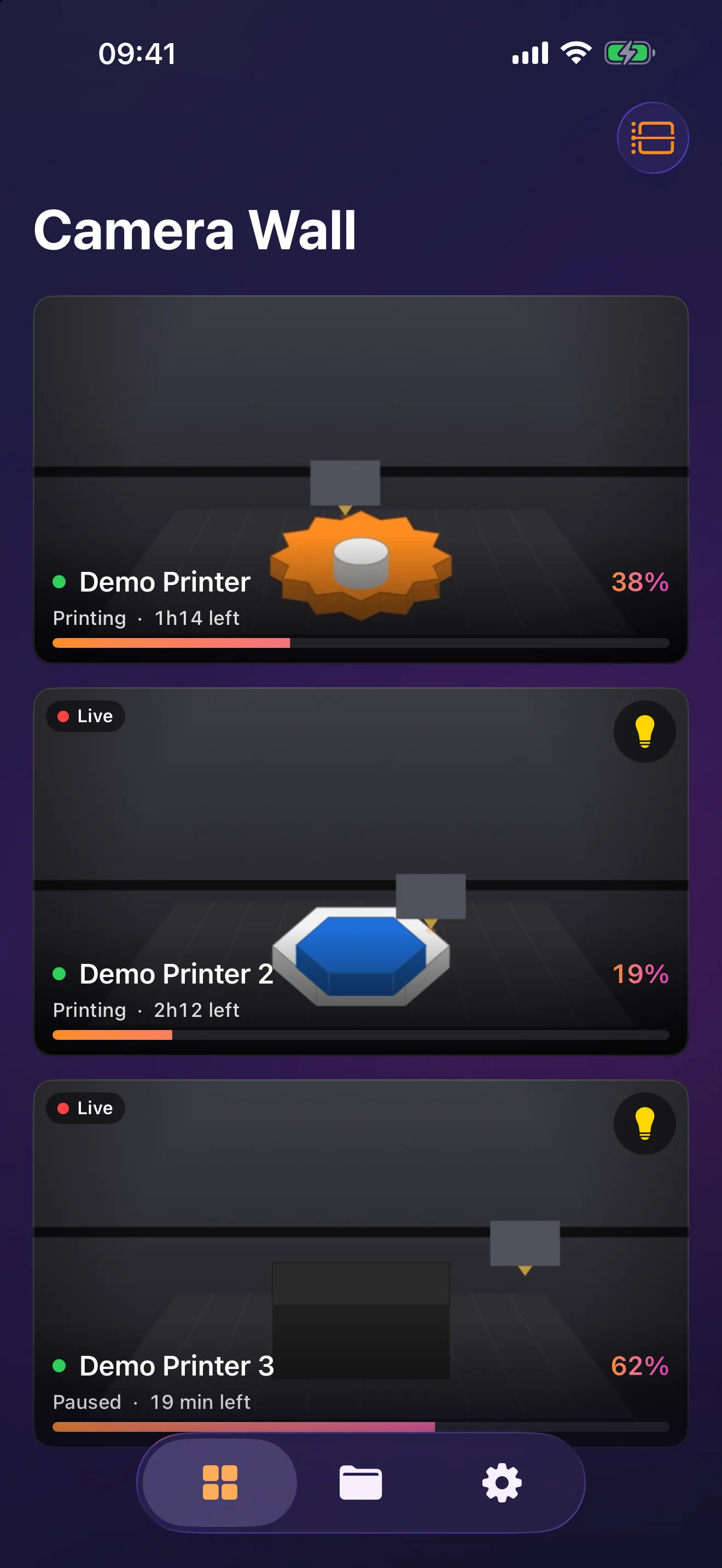
See every printer's camera at once.
Live print status
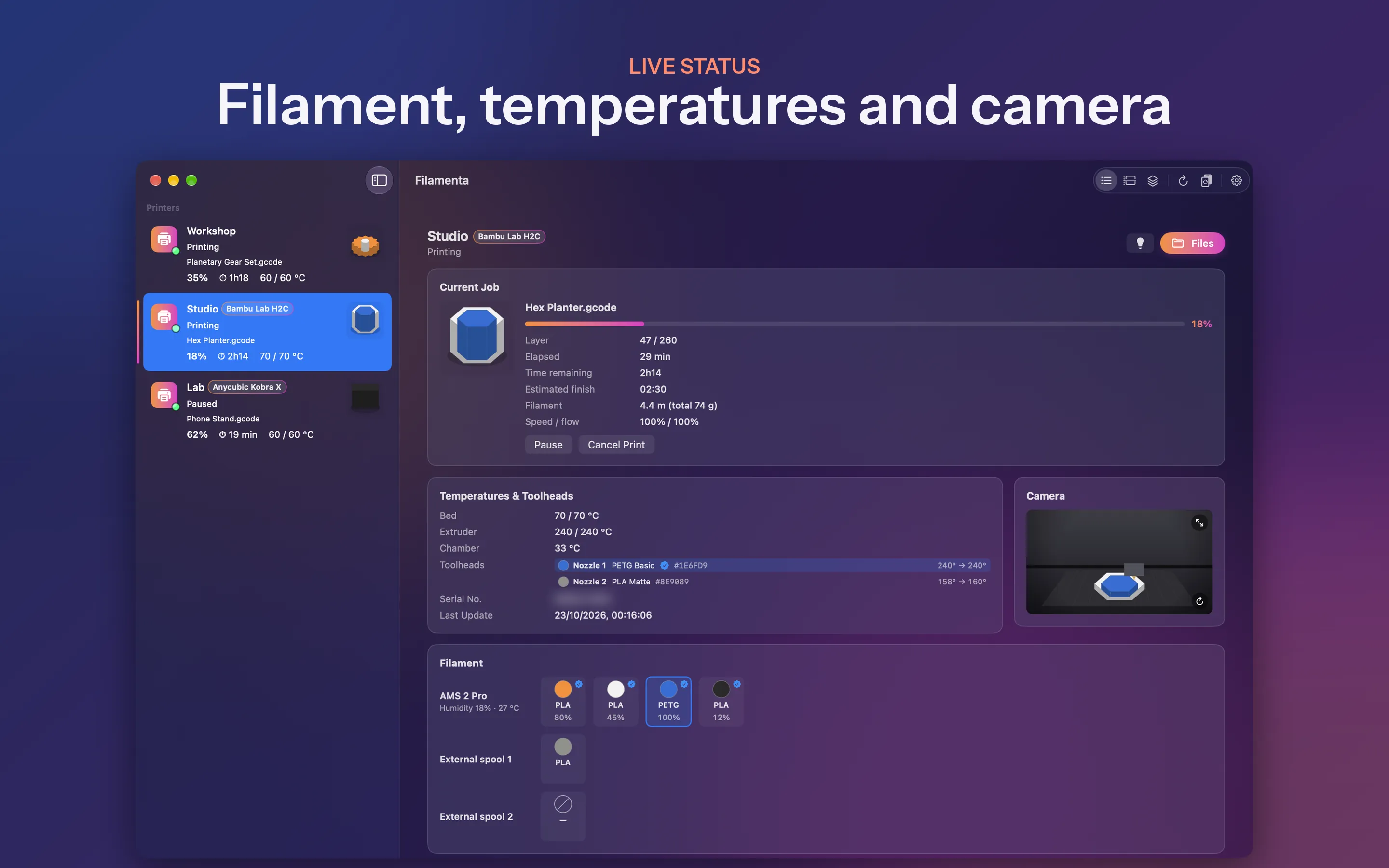
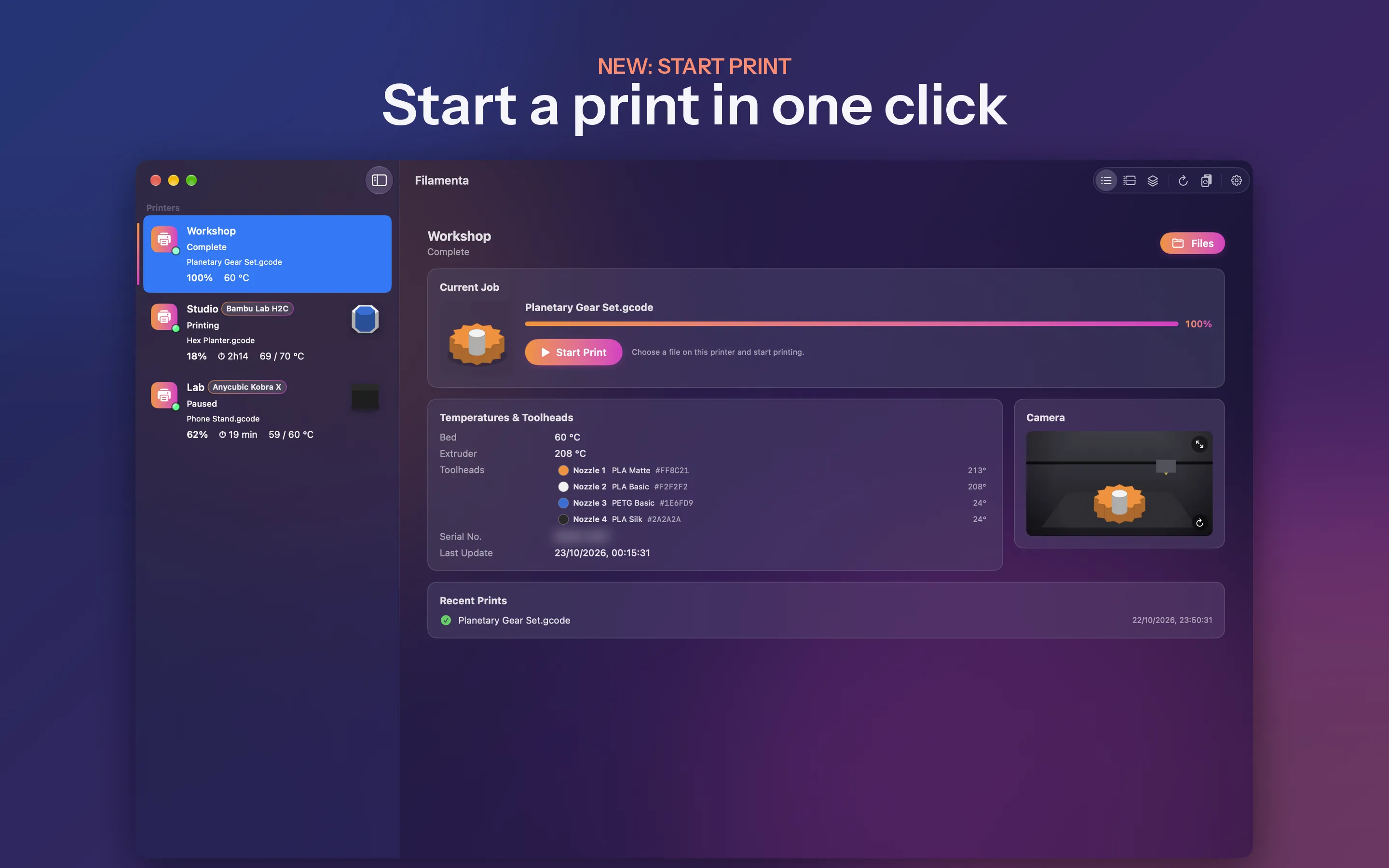
Follow each job in real time with a preview thumbnail of the model being printed.
Print control
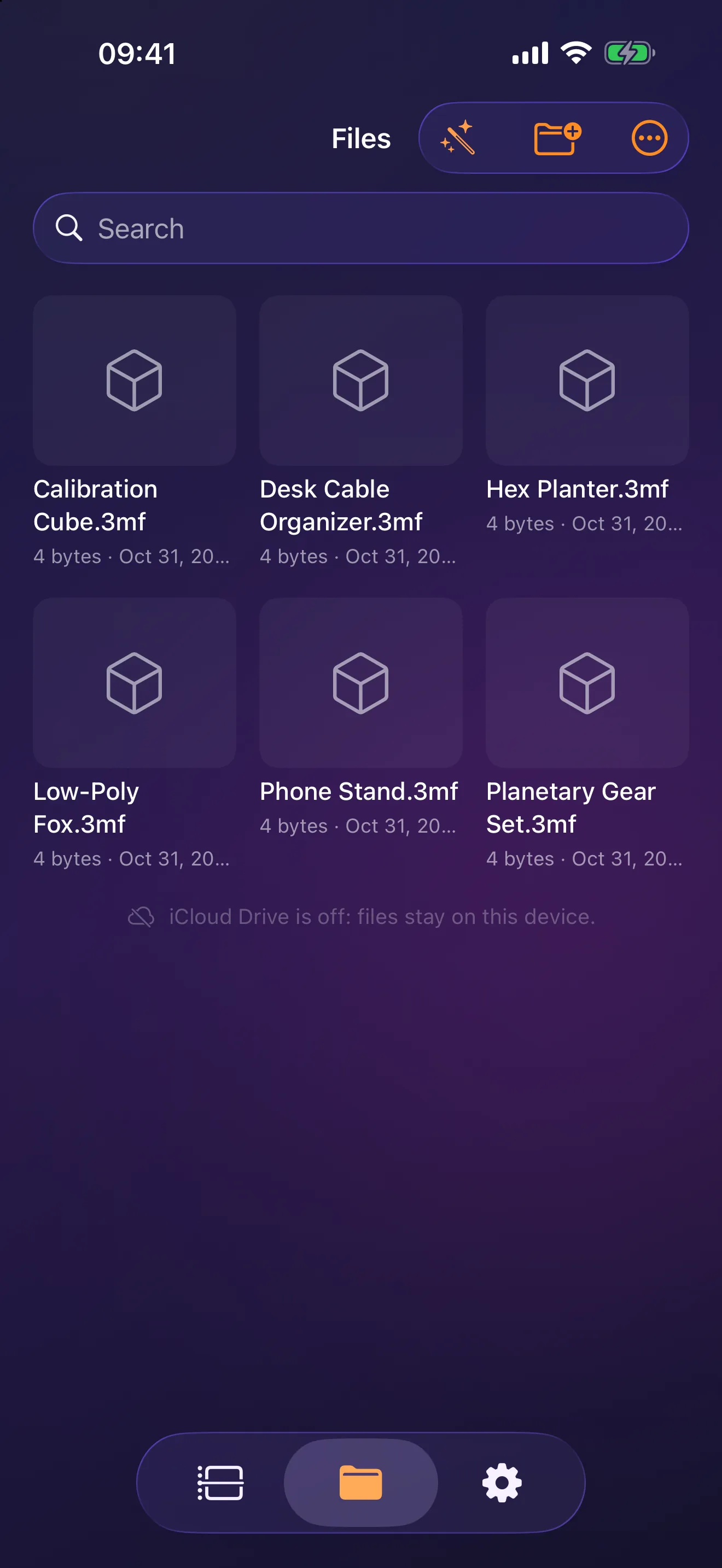
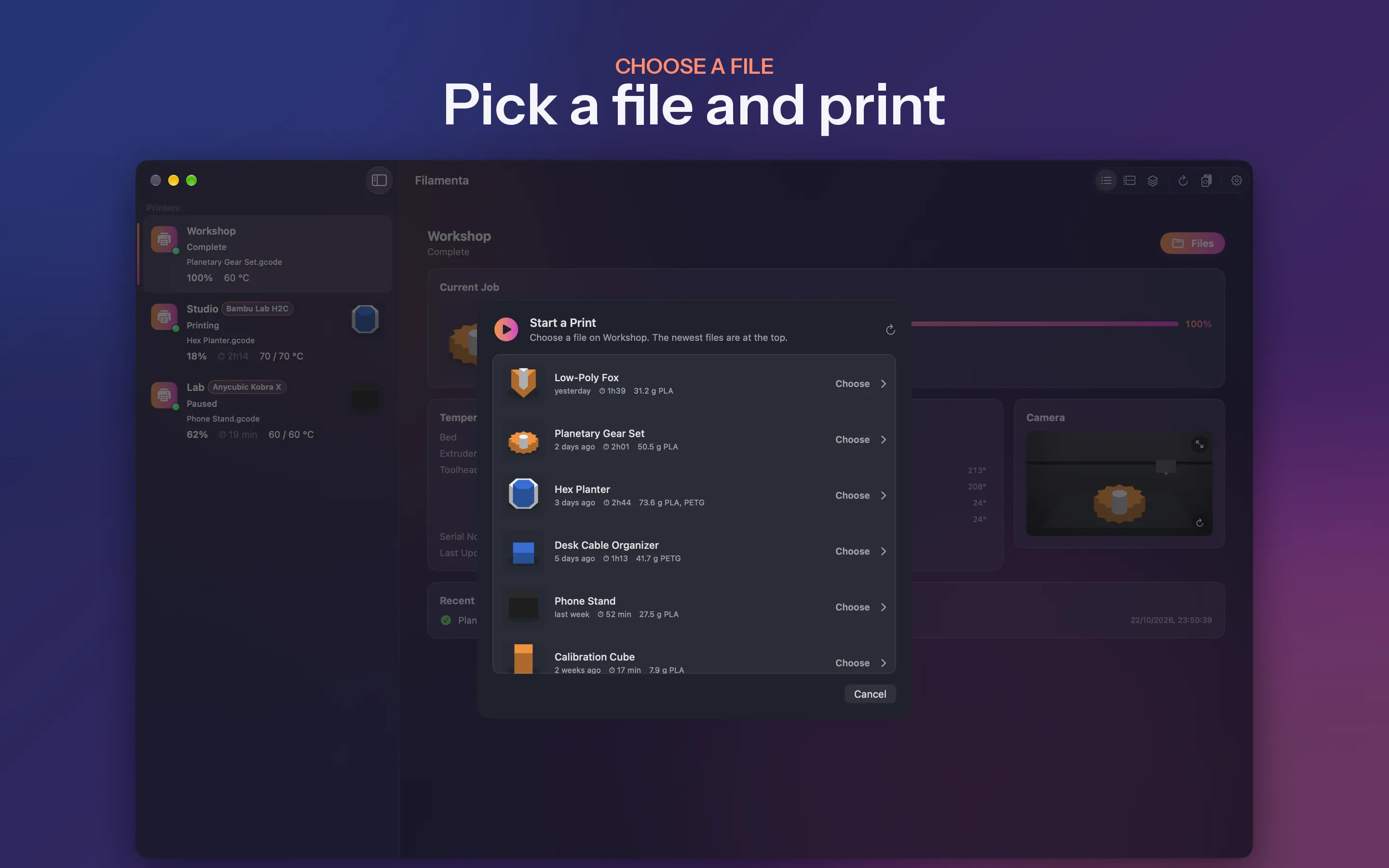
Pick a file from the printer's list and start the print, pause or cancel it and switch the printer light, right from the app.
Projects
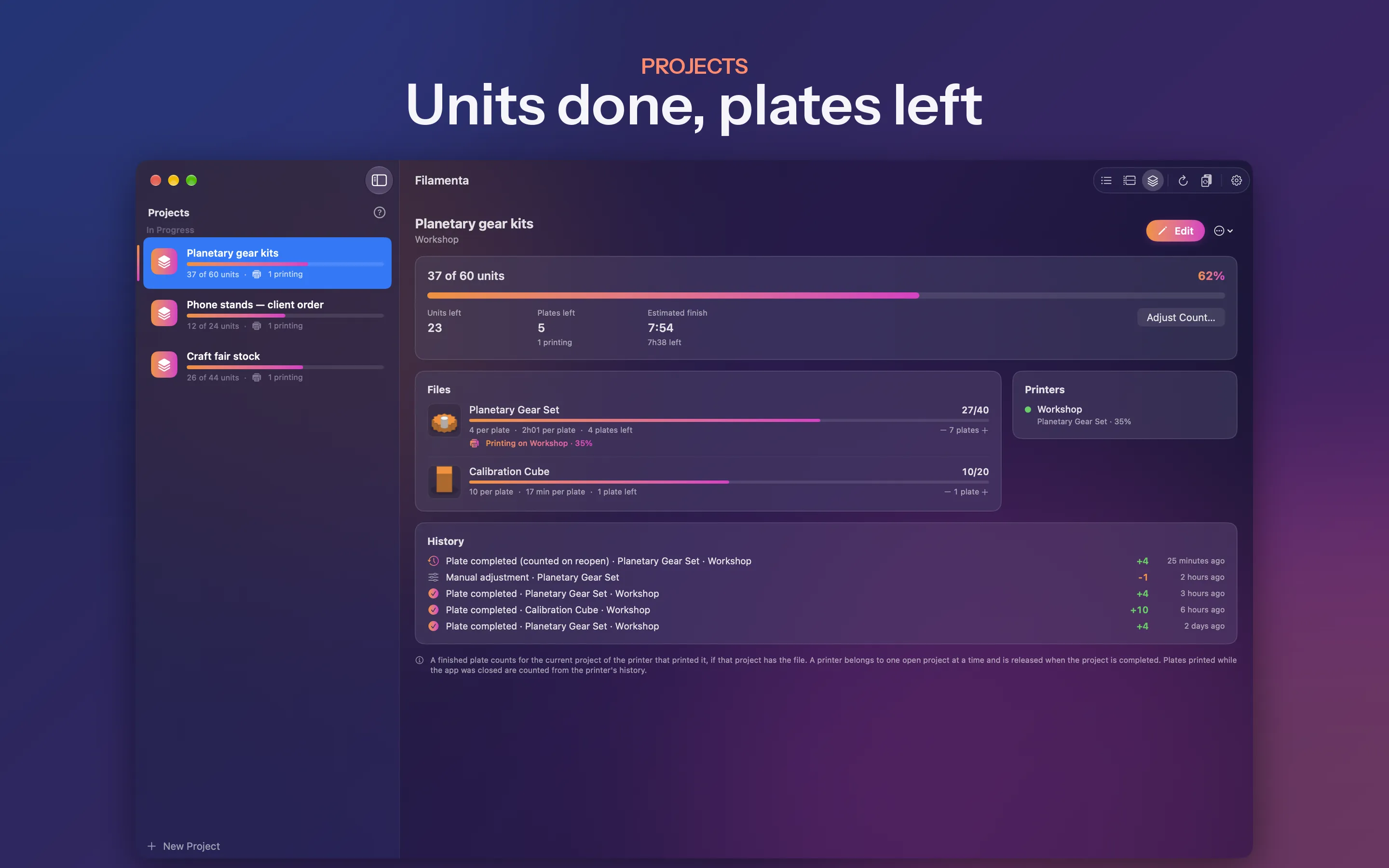
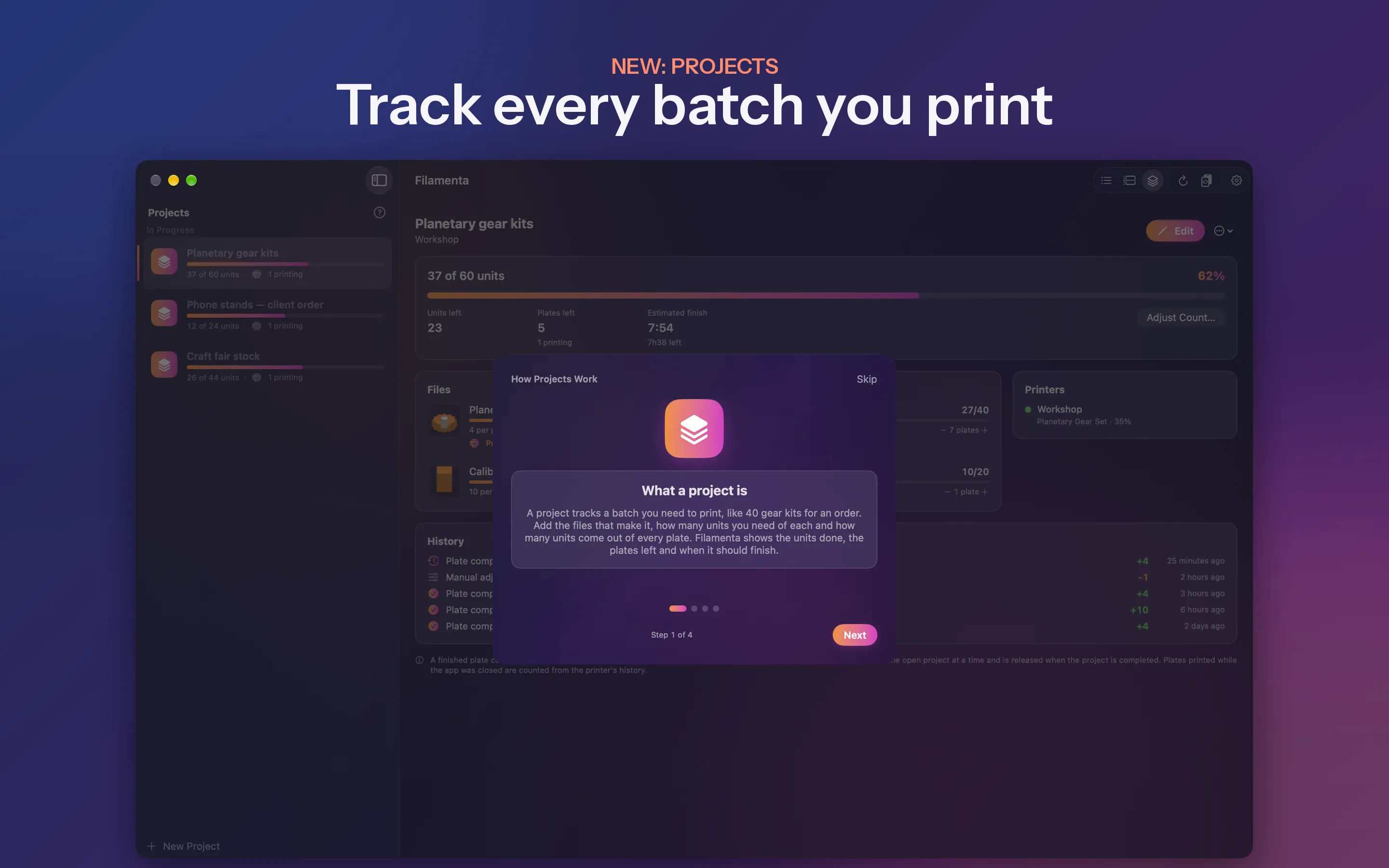
Plan a batch and let Filamenta keep count: each file with its own quantity and units per plate, plates left and an estimated finish across all assigned printers. Cancelled or failed prints don't count.
Notifications
Get notified when a print finishes, fails or is cancelled, and choose which ones you want.
iCloud sync and shared farms
Your printers stay the same on your Mac and iPhone. Invite others to your printers and see who is in the farm.
Prepare (Beta)
Get files ready to print right in the app. Prepare remembers the last nozzle used on each printer and the chosen quality and filament.
Filament & colour mapping
Match each colour in your file to the right filament before you hit print.
Printer Files and file sync
Browse each printer's files in the Printer Files window, copy them to other printers of the same model and keep gcode in step with a couple of clicks.
Menu bar extra
Quick status and shortcuts right from the macOS menu bar.
Redesigned toolbar and Settings
A new toolbar and Settings, in the style of System Settings.
Setup wizard
Find printers on your network and add them in seconds.
Demo printers
Try Filamenta before you connect a printer: Snapmaker U1, Bambu Lab H2C, A1 mini + AMS lite or A1.
Free and Pro
Start free. Upgrade to Pro when your farm grows.
When the trial ends, Filamenta switches to Free. Nothing is locked and your printers stay where they are. The same plans apply on Mac and on iPhone.
Supported printers
Snapmaker
U1
Live status, all four toolheads with their filaments, camera, files, file sync and print control over your local network.
Bambu Lab
H2C, A1, A1 mini
Live status, AMS trays with their colours, file upload and print control over your local network. Requires LAN mode on the printer.
Anycubic
Kobra X
Live status, camera, files and print control over your local network. Requires LAN mode on the printer.
Filamenta is not affiliated with, sponsored or endorsed by any 3D printer manufacturer. Product names belong to their respective owners.
Private by design
Filamenta monitors your printers directly on your local network. Sync and shared farms use your own iCloud account with Apple. No Filamenta account, no analytics.